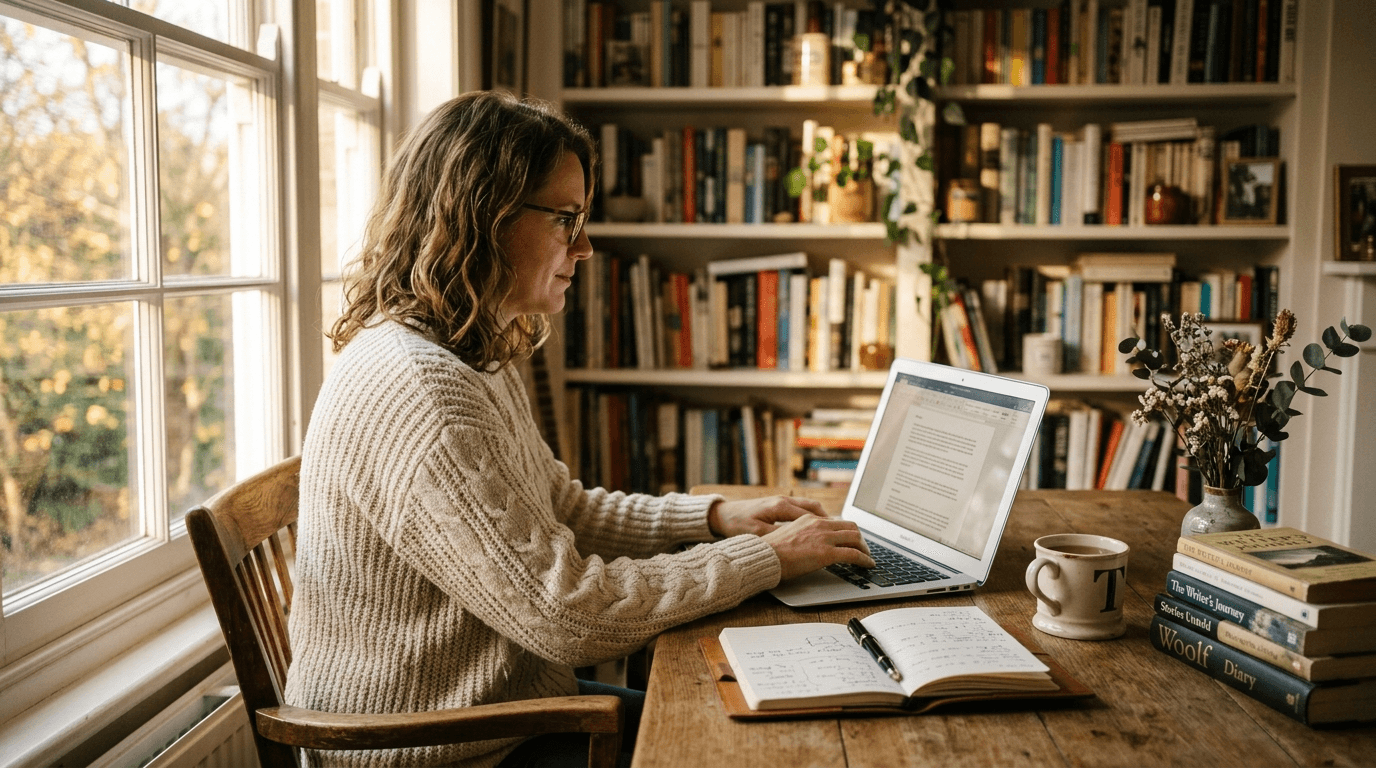
Grammarly review: Still the default for clean writing, even as AI eats the territory
Six years and several thousand saved "your welcomes" later, Grammarly still earns its install. The Premium case is harder than it was.
7/10
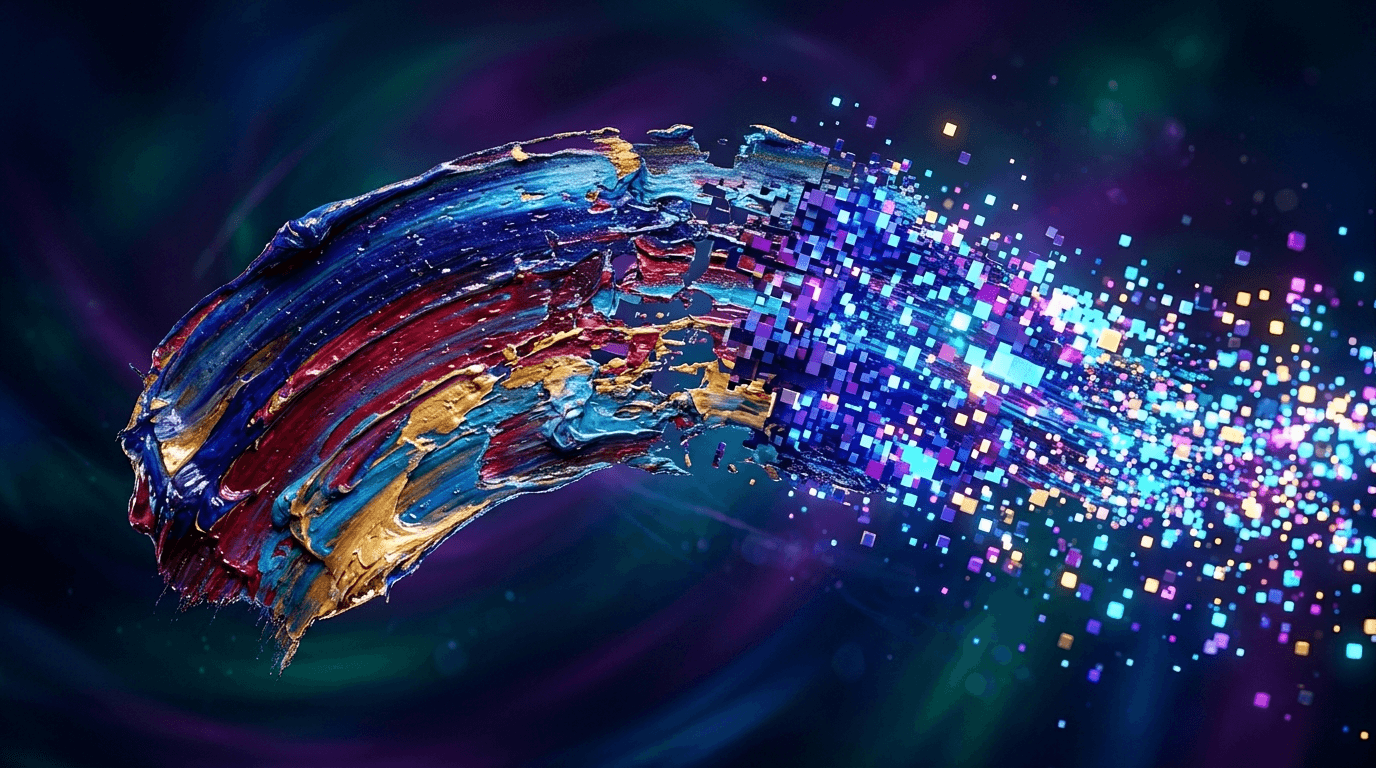
AI image generators have had a competitive year. Midjourney still wins.
ShareTool Score
9.2/10
Best-in-class image quality that other generators are still chasing -- worth the workflow friction
The gold standard for AI art generation among professionals
Midjourney is the AI image generator I keep recommending even though every part of using it is annoying. The Discord workflow is clunky if you're not already a Discord native. The web UI is better now but still feels like a side project compared to ChatGPT's polish. The subscription pricing has no free tier. The model has its own aesthetic that creeps into everything you make.
And yet. Open Midjourney, type a prompt, and the image that comes back is consistently the best you'll get from any AI image generator on the market. After two years of testing every alternative - DALL-E, Stable Diffusion in its various incarnations, Flux, Ideogram, Imagen, the works - I've stopped pretending the gap has closed. It hasn't.
This is a review of what it's like to use Midjourney in 2026, written by someone who's generated probably 30,000 images on it. Some of them I've actually used.
I want to be specific about what "best" means, because it's easy to handwave. Three things separate Midjourney from the rest:
First, painterly composition. Most AI image generators struggle with what an art school student would call "composition" - the placement of subjects in the frame, the use of negative space, the eye's path through the image. They render technically correct images that feel like an algorithm picked a noun, found a position, and rendered. Midjourney's output has the feel of someone who took the time to compose the frame. The horizon is at the right height. The subject isn't dead center. The eye has somewhere to go.
Second, light. Midjourney does light better than anyone. Rim lighting, volumetric haze, golden hour, hard noon shadows, candlelit faces - the model has a feel for how photographs and paintings actually use illumination. Other generators do "lit subject in a room"; Midjourney does "lit subject in a room where the light is doing something."
Third, the way it handles failure. Every AI image generator produces broken output sometimes - extra fingers, melted faces, illegible text, impossible architecture. Midjourney's failures tend toward "stylistically interesting" rather than "obviously broken." When DALL-E messes up, you get an image you can't use. When Midjourney messes up, you sometimes get an image you didn't intend but want anyway.
The current version is V6.1, with V7 in alpha at time of writing. The model handles prompts in a way that feels more like prose than the keyword-stuffed incantations early-version Midjourney rewarded. You can write a normal sentence describing what you want and get something close.
The web interface, redesigned in late 2024, is finally usable. There's a prompt bar, a gallery of your work, a controls panel for image weight and aspect ratio, and an "explore" feed of community generations. The Discord version still exists for people who prefer it, but most users have moved to the web.
Key features I actually use:
What I don't use: the "vary subtle" and "vary strong" buttons. They're fine but I find writing a new prompt usually gets me further. Also: the "describe" feature, which reverse-engineers a prompt from an image. Sometimes useful, mostly a curiosity.
Midjourney is subscription-only. There's no free trial in 2026 (there briefly was, removed when usage abuse became a problem).
For comparison: ChatGPT Plus at $20/month includes DALL-E 3 generation. Flux through Replicate or Together AI is a few cents per image. Stable Diffusion is free if you run it locally.
Midjourney's value proposition is "the best images, no fiddling." If you generate images professionally and the quality difference matters, the price is reasonable. If you're occasionally making something for a blog post, DALL-E through ChatGPT or Flux through one of the cheaper API services is fine.
Two things keep Midjourney from being a clean recommendation.
Text in images is still imperfect. Better than 2023, when text was uniformly garbled, but not as good as Ideogram or Imagen 3, which now reliably render legible captions and signage. If your project needs text in the image - book covers, posters, ads - start with Ideogram and come back to Midjourney for everything else.
Editing existing images is weaker than the competition. Midjourney's inpainting (called "Vary Region") works but feels less precise than ChatGPT's image edit feature or Adobe Firefly's masking. If you need to modify a real photograph or carefully change one element of a generated image, you'll have a better time elsewhere.
The third issue, less of a deal-breaker: the Midjourney "look." After enough time on the model, you can spot Midjourney output across the internet. There's a certain saturation, a certain over-baked quality to mid-V6 generations especially. Style references and careful prompting mitigate this, but the model has an aesthetic, and "looks like Midjourney" is increasingly a recognized visual style.
Midjourney is the gold standard for AI image generation, and that's been true for long enough that I trust the trajectory. The model improvements have continued. The product is becoming less weird to use. The price is what it is.
If you generate images for a living, this is the model to pay for. If you generate images occasionally and the workflow friction matters more than perfect output, DALL-E and the open-source alternatives are good enough and frequently cheaper.
I'll keep paying. I'll keep generating. I'll keep being mildly annoyed that the best AI image tool is also one of the more awkward to use. Both things have been true since 2023; I don't see either changing soon.
Six years and several thousand saved "your welcomes" later, Grammarly still earns its install. The Premium case is harder than it was.
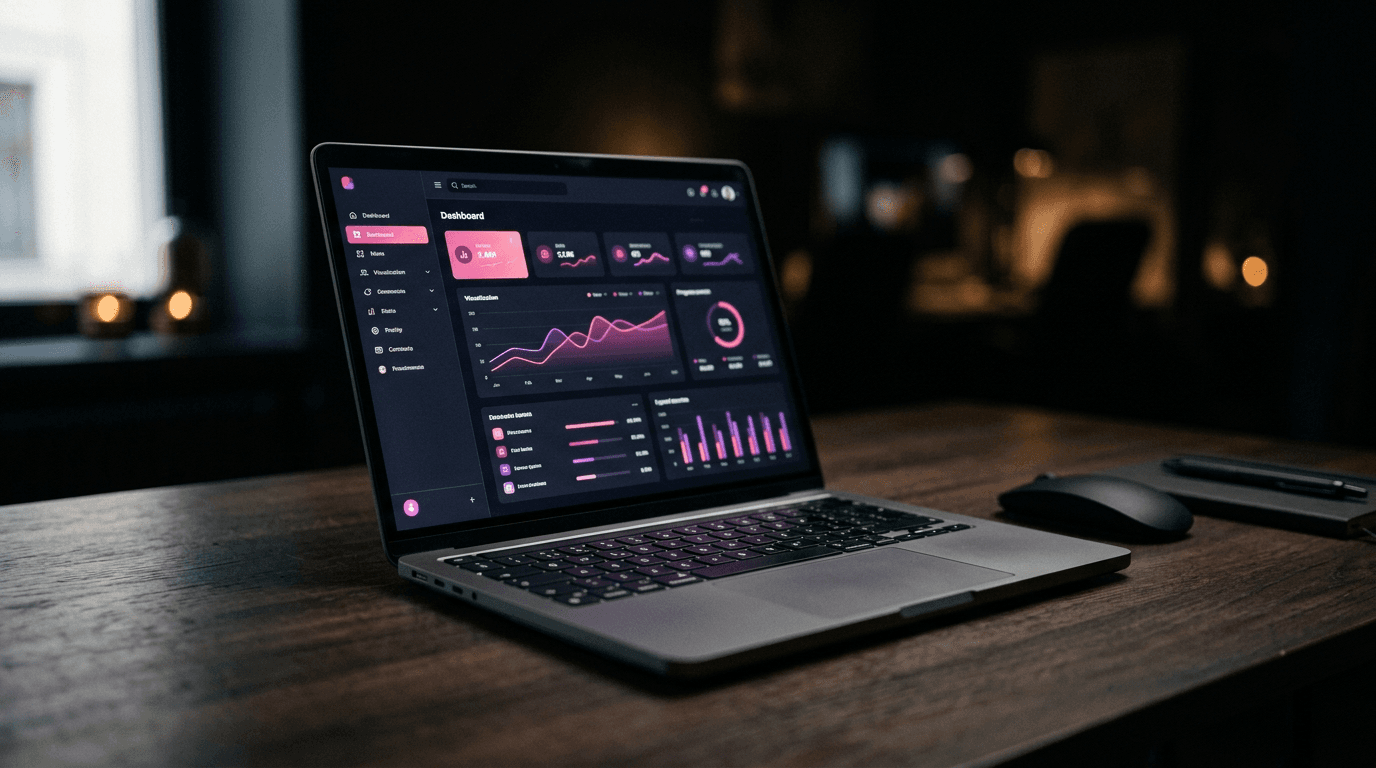
We built a working SaaS with it in a weekend. The generated code is cleaner than you'd expect and the Supabase integration is genuinely good. The catch is what happens when you go off-script.
We've used it on every social cutdown for the past year. Free, fast, captioned in 90 seconds. The catch is who owns your project files.